RDG-USB — The Ultimate GNSS to USB Developer Bridge
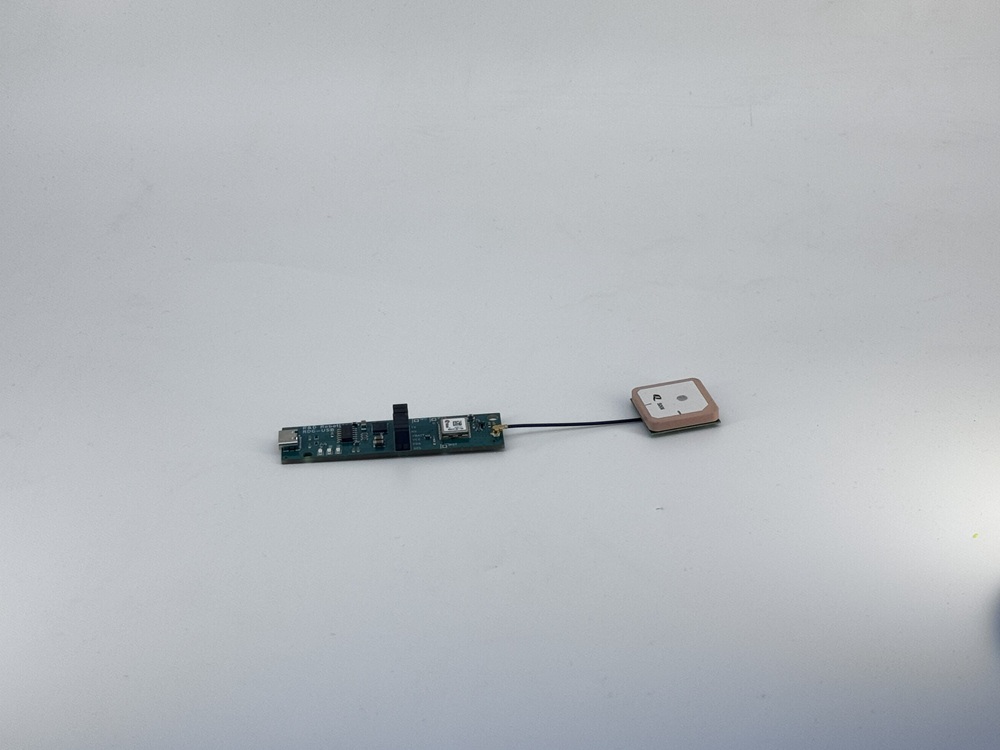
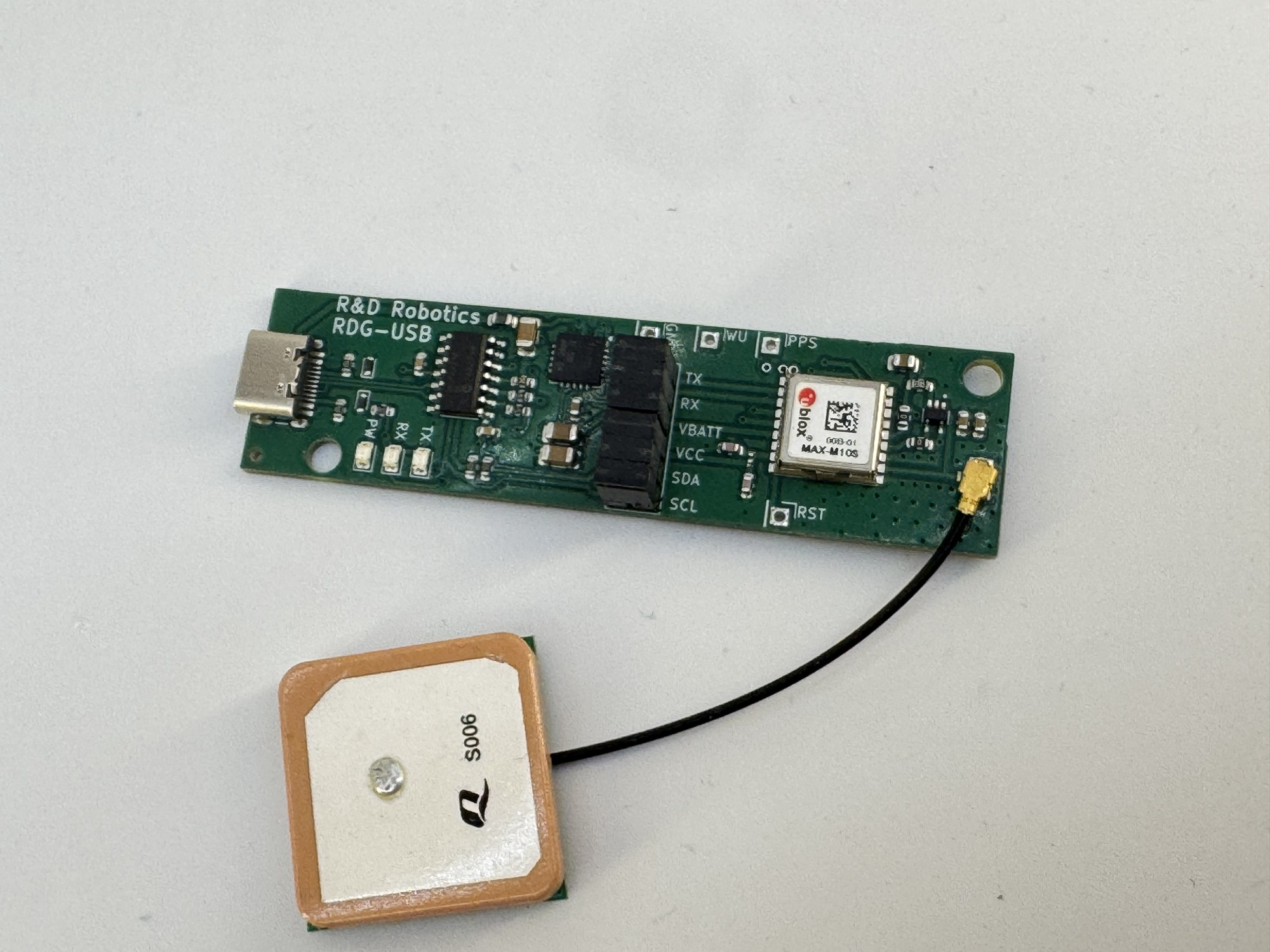
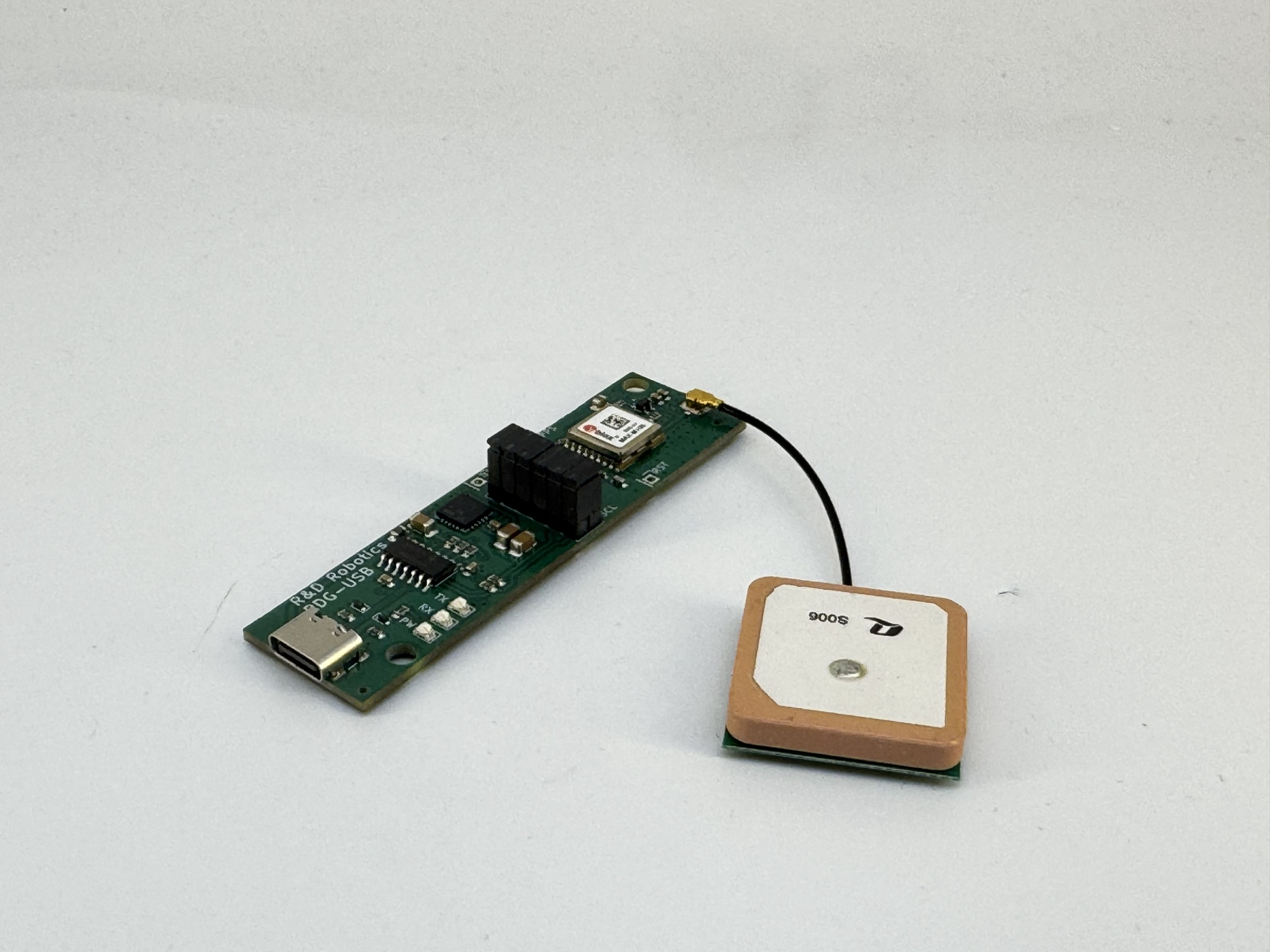
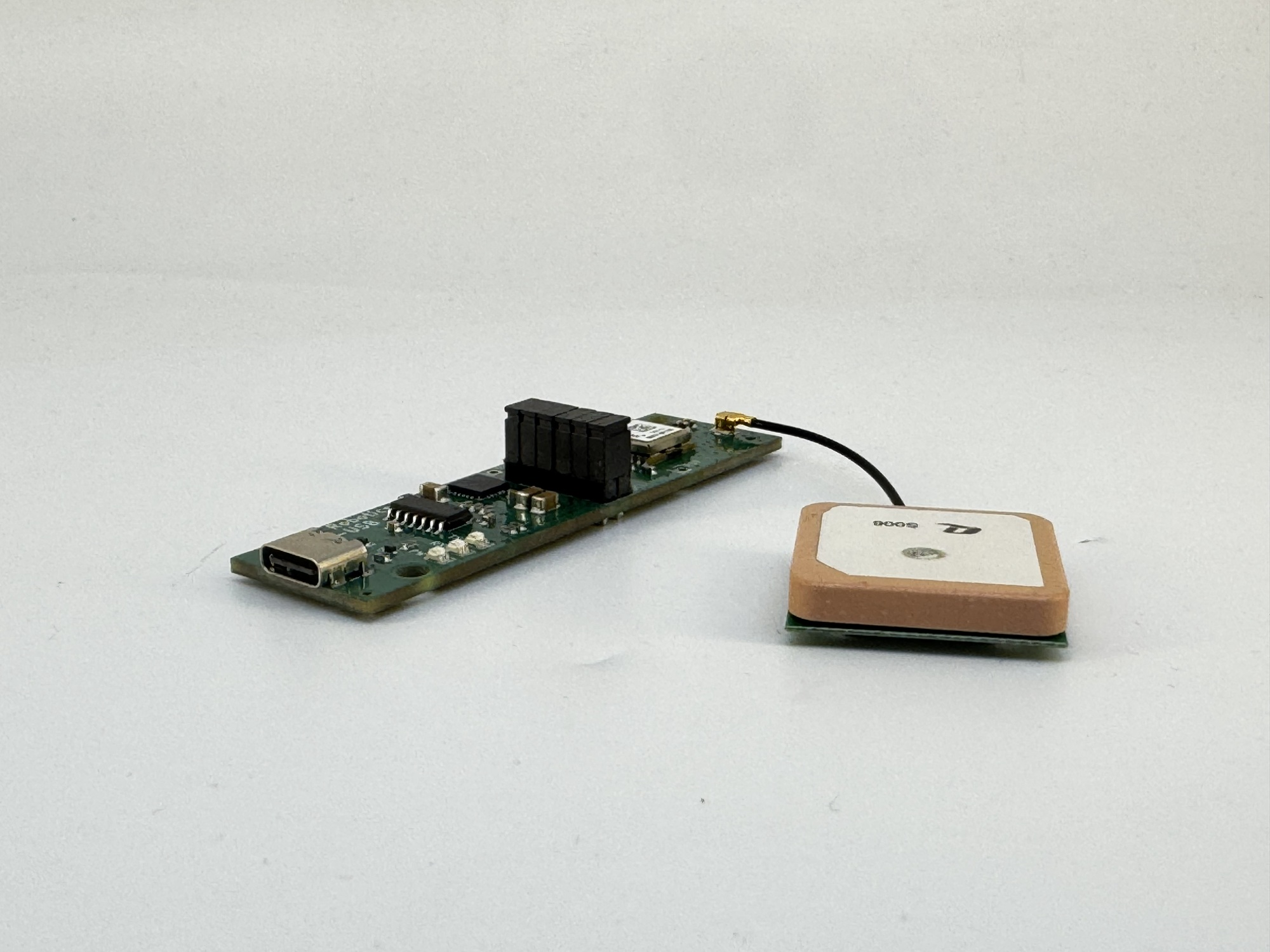
In a world where every millisecond and every meter counts, your hardware shouldn't be the bottleneck.
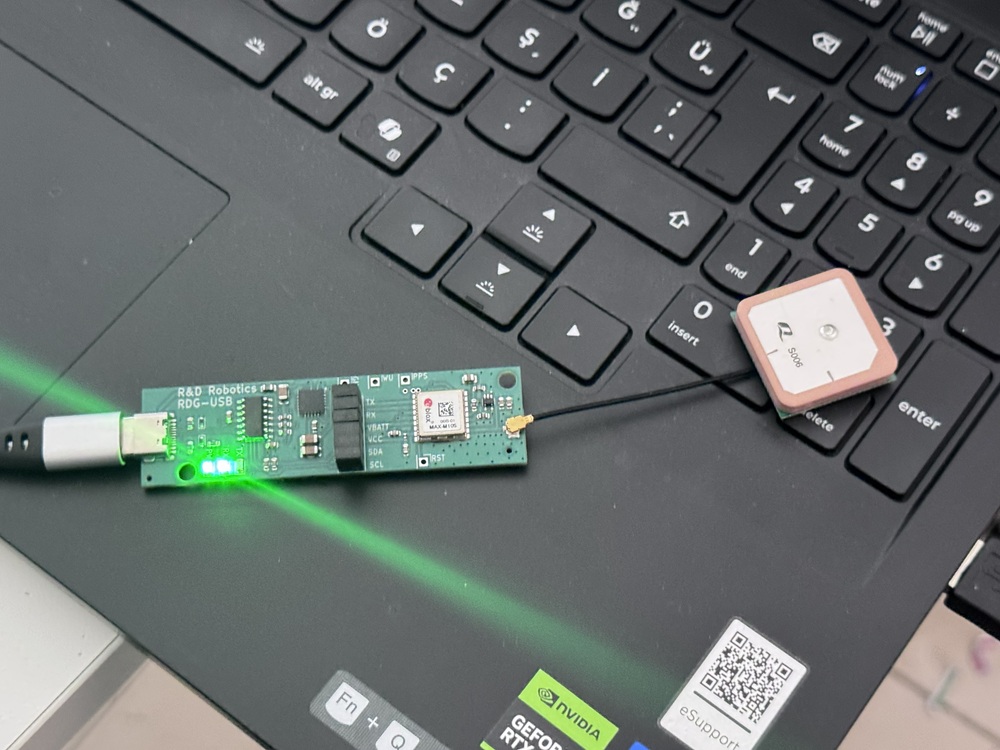
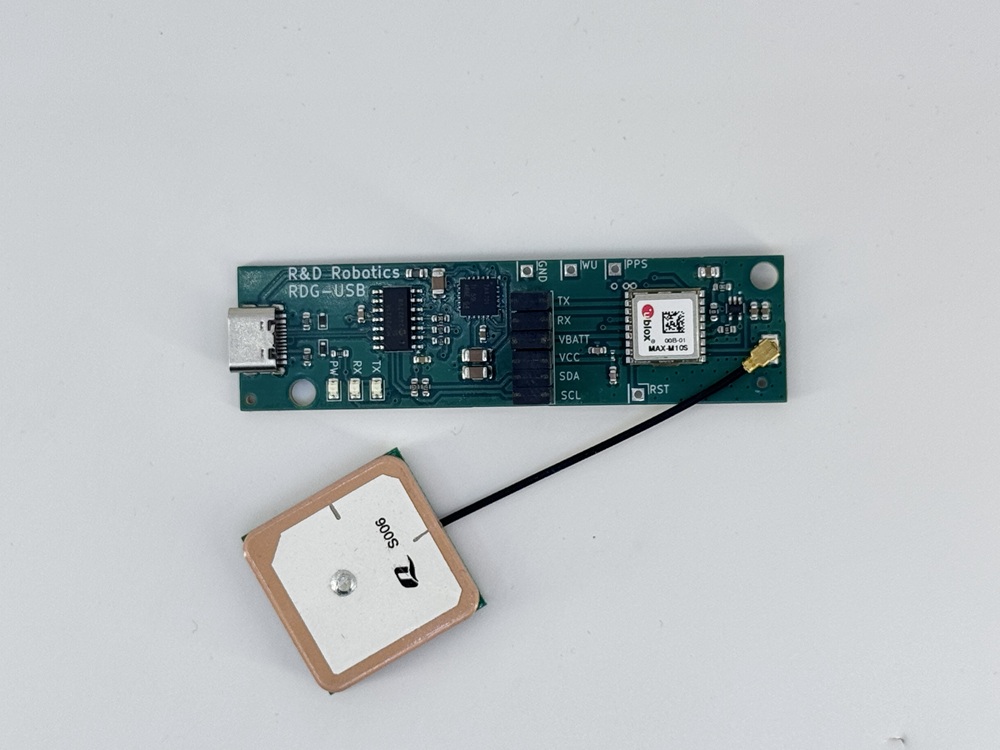
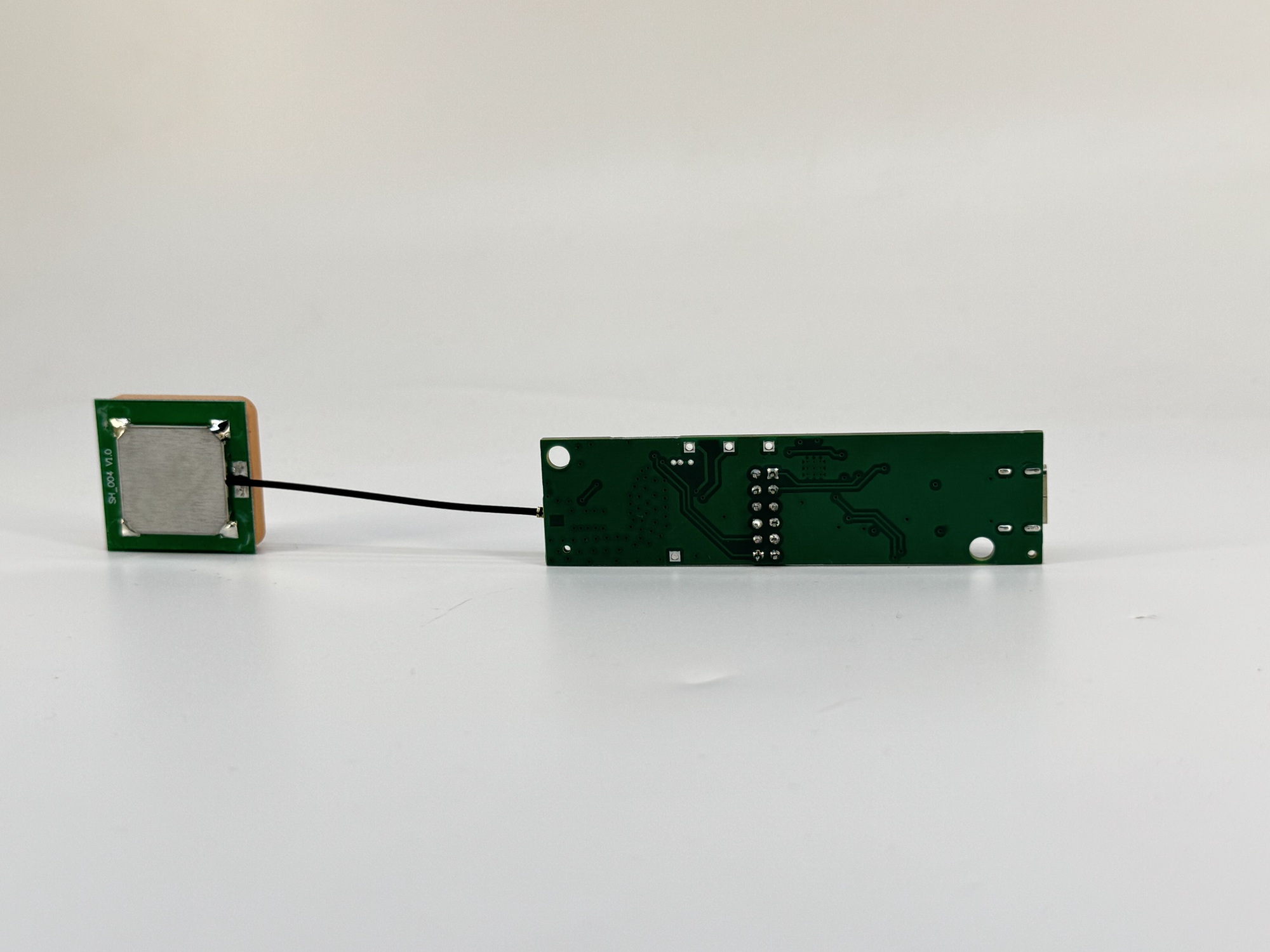
The RDG-USB isn't just a converter; it is an invitation to command the satellites. By marrying the industry-leading u-blox MAX-M10S with the robust Microchip MCP2221A, we have created a gateway. Plug it in, and the world’s most advanced positioning constellations—GPS, Galileo, BeiDou—surrender their data directly to your PC, Raspberry Pi, or industrial controller.
Engineered for the Absolute
● Unrivaled Fix Speed: Use the onboard jumper system to isolate VBAT. Connect an external battery to maintain the RTC and Almanac, ensuring that when you need a location, you get it instantly.
● Developer Freedom: Onboard jumpers allow you to break the TX/RX lines. It’s your hardware—take total control of the communication flow or inject your own TTL signals.
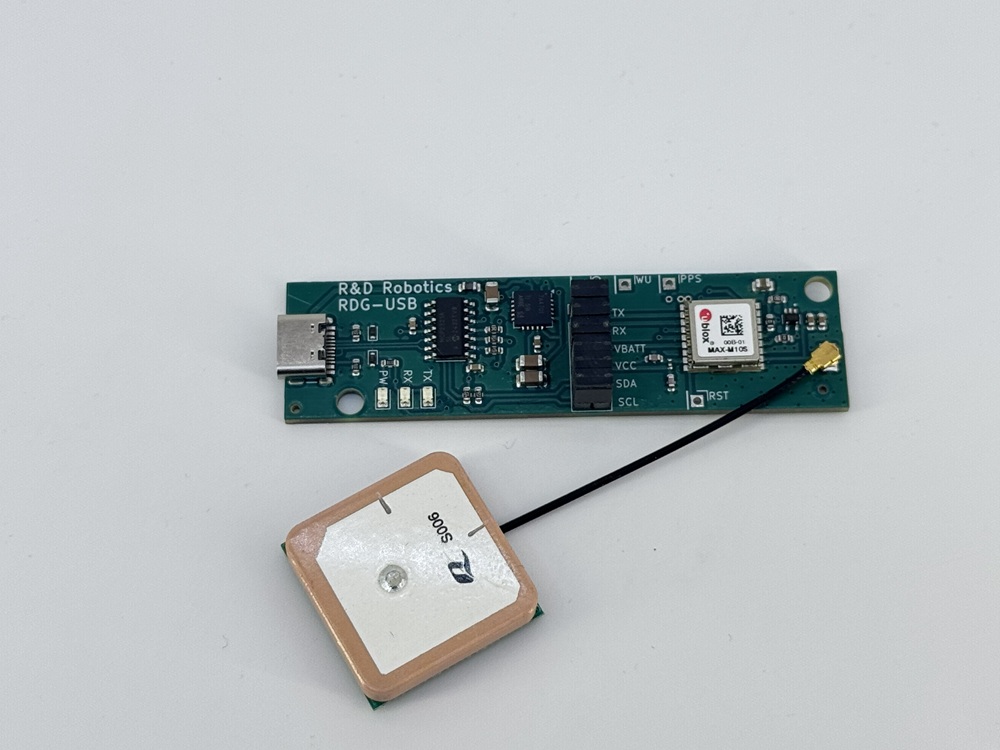
● The Antenna Advantage: We don't settle for small trace antennas. Every RDG-USB ships with a high-gain 25mm x 25mm patch antenna to ensure a clear view of the sky, even in challenging environments.
Technical Specifications
- u-blox MAX-M10S GNSS Engine (GPS, GLONASS, Galileo, BeiDou)
- Microchip MCP2221A USB-to-UART Bridge
- USB Type-C Connectivity
- Integrated TX/RX Activity LEDs
- PPS (Pulse Per Second) Output for Timing Accuracy
- VCC/VBAT Jumper for Battery Backup Management
- Width: 20mm, Length: 76mm, Height: 14mm
Implementation Scenarios
The RDG-USB is designed for versatility. Beyond its USB capabilities, the breakable jumpers allow for direct integration with your favorite development boards.
01 Direct Raspberry Pi Integration
Remove the onboard jumpers to bypass the USB bridge and connect the u-blox module directly to the Raspberry Pi GPIOs via UART.
- RDG-USB TX → RPi RX (GPIO15)
- RDG-USB RX → RPi TX (GPIO14)
02 Arduino Uno & SoftwareSerial
Perfect for projects where the main hardware serial is used for debugging. Interface with the GNSS module using any digital pins.
- RDG-USB TX → Arduino Pin 10 (Software RX)
- RDG-USB RX → Arduino Pin 11 (Software TX)
03 Precision Timing & Instant Fix
Leverage the VBAT jumper to connect a backup battery (CR2032) and use the PPS output for microsecond-accurate time synchronization.
Implementation Example (Python)
Obey the data. Use the script below to start parsing NMEA sentences and visualize your live coordinates.
import serial
import pynmea2
import os

# ===== CONFIG =====
SERIAL_PORT = "COM3"
BAUDRATE = 9600

def clear_console():
    os.system('cls' if os.name == 'nt' else 'clear')

def main():
    # Store the latest data in a dictionary to keep it persistent
    data = {
        "lat": 0.0, "lon": 0.0, "alt": 0.0,
        "sats": 0, "hdop": 0.0, "vdop": 0.0, "pdop": 0.0,
        "speed": 0.0, "course": 0.0, "fix_quality": 0
    }

    try:
        with serial.Serial(SERIAL_PORT, BAUDRATE, timeout=1) as ser:
            print(f"Connected to {SERIAL_PORT}. Waiting for fix...")

            while True:
                line = ser.readline().decode('ascii', errors='replace').strip()
                if not line or not line.startswith('$'):
                    continue

                try:
                    msg = pynmea2.parse(line)

                    if isinstance(msg, pynmea2.types.talker.GGA):
                        data["lat"] = msg.latitude
                        data["lon"] = msg.longitude
                        data["alt"] = msg.altitude
                        data["sats"] = msg.num_sats
                        data["fix_quality"] = msg.gps_qual
                        render_display(data)

                    elif isinstance(msg, pynmea2.types.talker.GSA):
                        data["pdop"] = msg.pdop
                        data["hdop"] = msg.hdop
                        data["vdop"] = msg.vdop

                    elif isinstance(msg, pynmea2.types.talker.RMC):
                        data["speed"] = msg.spd_over_grnd
                        data["course"] = msg.true_course

                except pynmea2.ParseError:
                    continue
    except Exception as e:
        print(f"Error: {e}")

def render_display(d):
    clear_console()
    print("=== GNSS Live Feed (pynmea2) ===")
    print(f"Location:  {d['lat']:.6f}, {d['lon']:.6f}")
    print(f"Sats:      {d['sats']} | Fix Quality: {d['fix_quality']}")
    print(f"Movement:  {d['speed']} knots at {d['course']}°")

if __name__ == "__main__":
    main()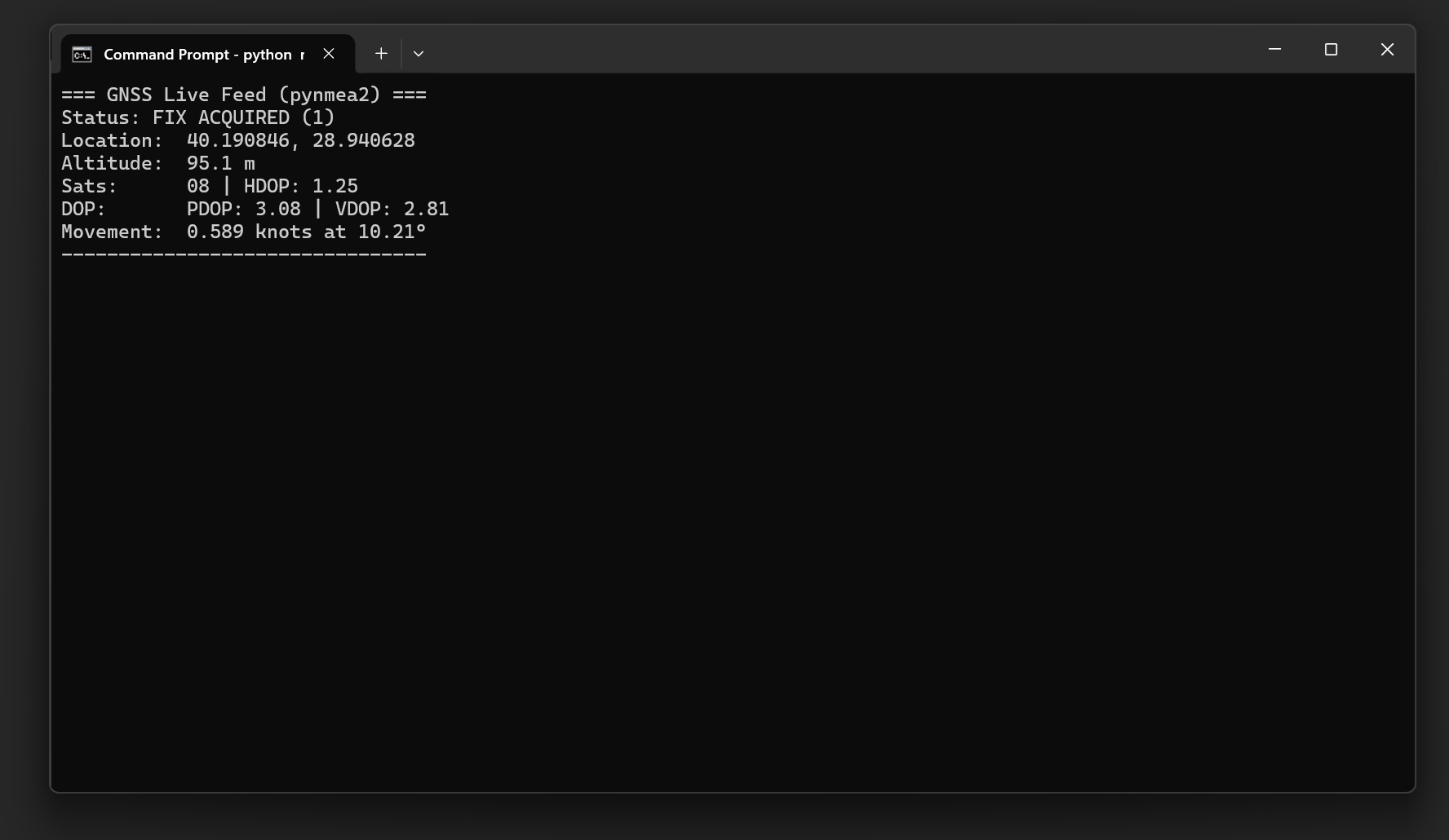
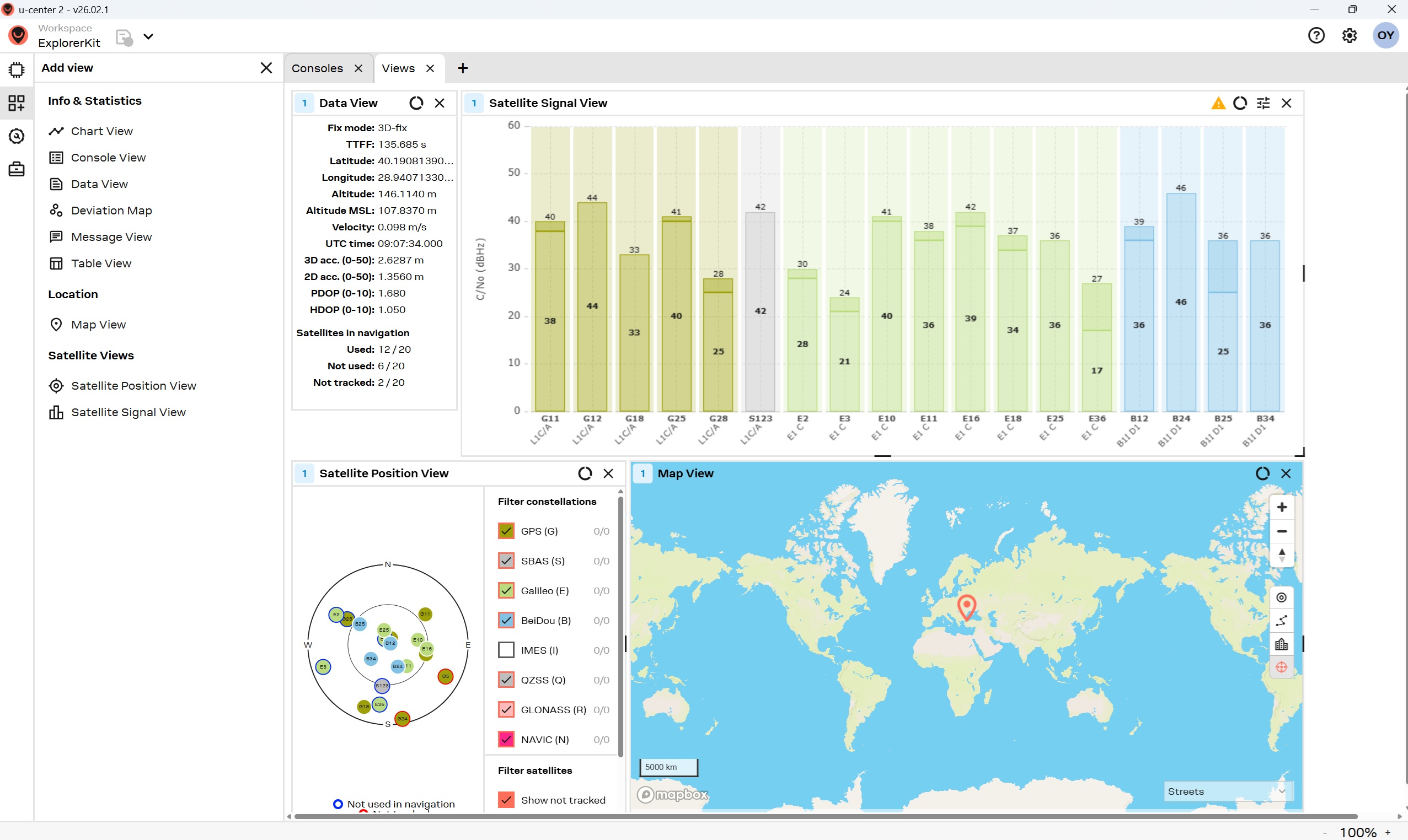
u-center 2 Software View
The RDG-USB is fully compatible with u-blox proprietary tools. Below is the u-center 2 software live satellite view.